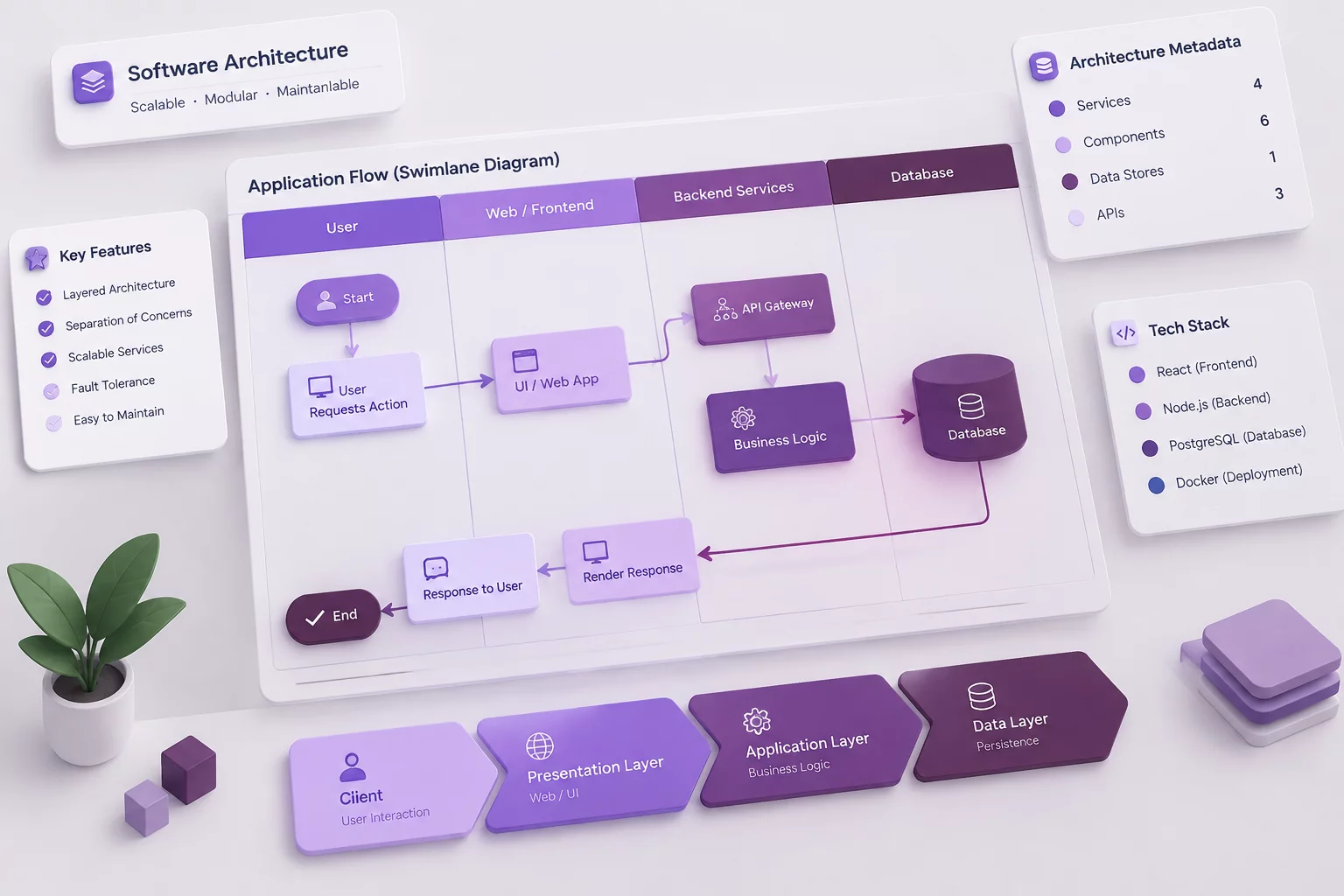
Standardizing Operational Boundaries in draw.io
Visualizing cross-functional handoffs requires strict geometric clarity. In draw.io, custom swimlane pools, directional connectors, and shape properties provide a clean visual medium to document operational checkpoints before technical execution begins.
- Dedicated pools separating product, design, and platform engineering lanes
- Explicitly labeled orthogonal connectors preventing unverified deliverables
- Layer toggles dedicated to boundary metadata, schema links, and SLA badges
- draw.io provides cross-functional swimlane shapes, labeled connectors, layers, and shape metadata.
Interactive Handoff Specification Inspector
Select a functional component to review drawing rules, shape semantics, and team handoff conventions.
Cross-Functional Pools
Establish explicit swimlane corridors with locked vertical dividers to demarcate department accountability across stages.
Lane Dividers & Headers
Color-coded lane headers designate functional owners and prevent overlapping state responsibilities.
Orthogonal Handoff Connectors
Routes connecting nodes must use clean 90-degree elbows rather than diagonal lines to keep transitions unambiguous.
Connector Label Attributes
Midpoint labels specify exact artifacts exchanged, such as OpenAPI definitions, Figma tokens, or schema contracts.
Key-Value Shape Properties
Embed structured key-value attributes inside shapes to store artifact IDs, repository paths, and definition of done criteria.
Operational Layer Stack
Separate high-level process flows from technical notes and SLA callouts using toggleable diagram layers.
Visual Architecture Reference, Not Automation
HandoffLane Notebook does not provide workflow automation, approvals, ticketing, or integrations. draw.io is used only as the visual diagramming context.